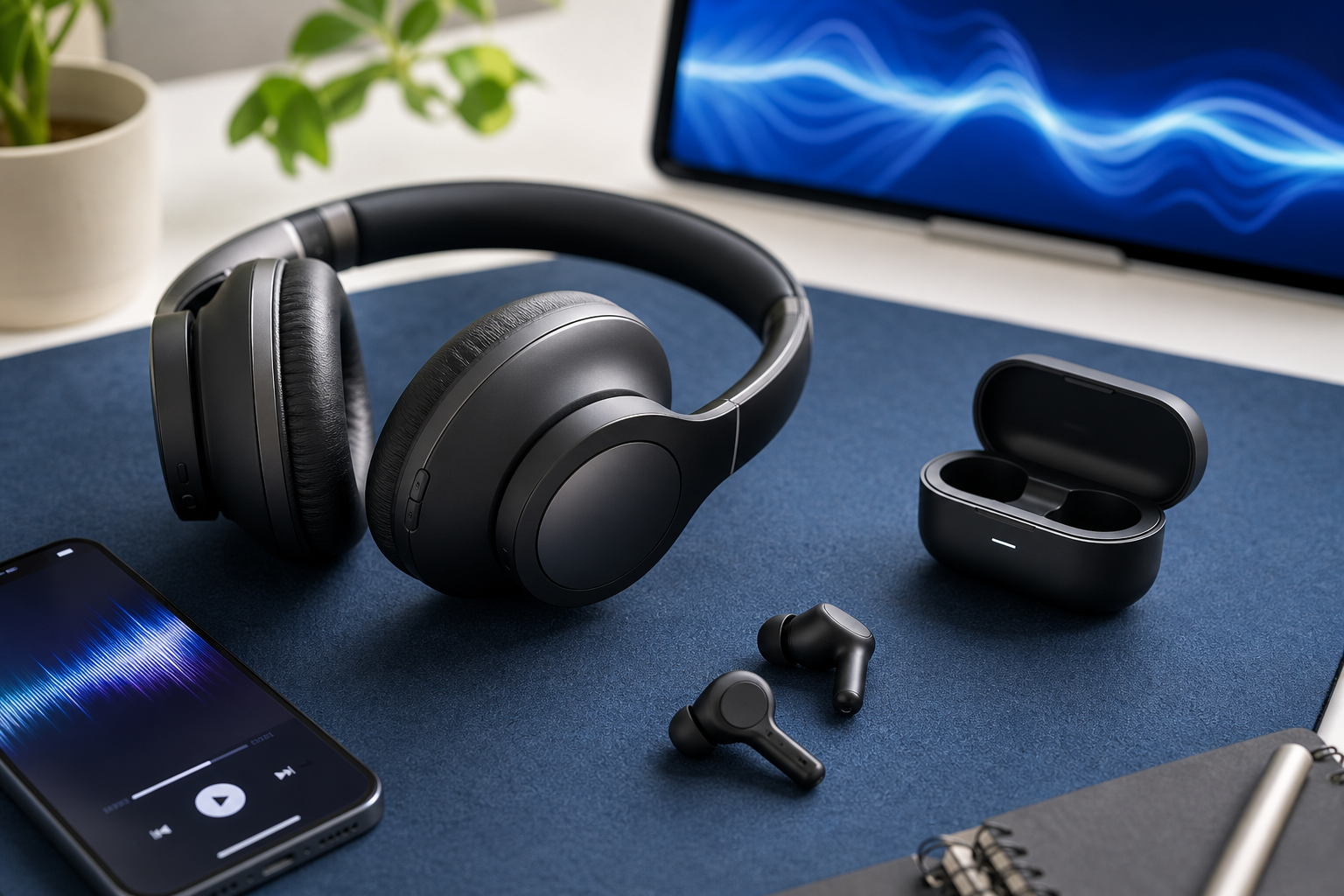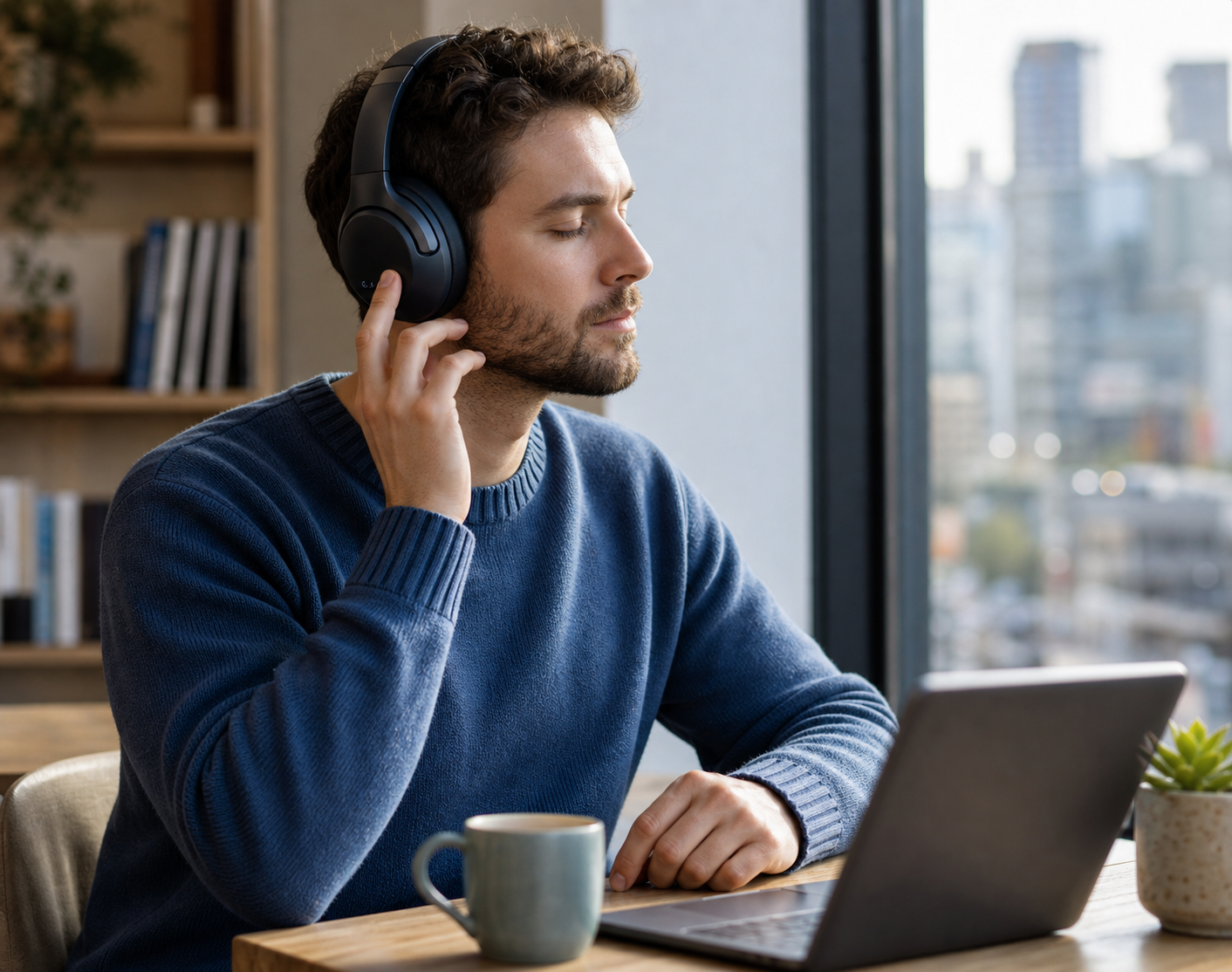
This guide explains everything you need to know about noise cancelling headphones. We'll walk you through how the technology works, how to choose the right pair for your needs without overspending, and how to use them effectively and safely. Whether you're a daily commuter, a frequent flyer, or just someone trying to focus in a busy environment, this guide will help you find the quiet you're looking for and get the most value from your purchase.
Fast Answer
- Core Technology: Uses microphones to listen to outside sound and creates an opposite 'anti-noise' wave to cancel it out.
- Best For: Blocking low-frequency, constant sounds like engine hum, air conditioning, and train rumble.
- Key Feature: Look for an 'Ambient' or 'Transparency' mode to hear your surroundings when needed for safety.
Before You Start
- Identify your main reason for wanting noise cancellation (e.g., travel, office work, studying, daily commute).
- Set a realistic budget. Prices can vary wildly, and more expensive doesn't always mean a better fit for you.
- Make a list of your must-have features, such as wireless connectivity, long battery life, or water resistance for exercise.
- Understand that "noise cancelling" and "noise isolating" are different. This guide focuses on Active Noise Cancellation (ANC).
Step-by-Step Instructions
Step 1: Understand How Noise Cancellation Works
Before you can choose the right pair, it helps to know what's happening inside them. There are two types of noise reduction: passive and active.
Passive Noise Isolation is simple. It's a physical barrier that blocks sound, just like putting your hands over your ears. The chunky padding on over-ear headphones or the tight seal of in-ear buds creates this effect. It works well for all types of sound but depends entirely on a good fit.
Active Noise Cancellation (ANC) is the clever electronic trick. Tiny microphones on the outside of the headphones listen to the constant, low-frequency sounds around you-like the drone of a plane engine or the hum of an office fan. The headphone's internal processor then creates a sound wave that is the exact opposite (or 'anti-phase') of that noise. When these two waves meet, they cancel each other out, and the annoying drone seems to disappear. It's brilliant for constant noise but less effective against sudden, sharp sounds like a dog barking or people talking right next to you.
Step 2: Choose the Right Style for Your Comfort and Use
Noise cancelling headphones come in three main shapes. The best one for you depends on how and where you'll be using them.
- Over-Ear Headphones: These have large earcups that enclose your entire ear. They offer the best comfort for long periods (like long-haul flights) and provide the most effective passive noise isolation to support the ANC. The downside is their size; they are bulkier to carry around.
- On-Ear Headphones: These are smaller and rest directly on your ears instead of around them. They are more compact and portable than over-ear models, but some people find the pressure on their ears uncomfortable after an hour or two. Their passive noise isolation is generally not as good.
- In-Ear Earbuds: The most portable and discreet option. Modern noise cancelling earbuds can be incredibly effective, but their performance relies entirely on getting a perfect seal in your ear canal. They are ideal for exercise, commuting, and people who don't like the bulk of traditional headphones. Always try the different-sized silicone or foam tips that come in the box.
Step 3: Look for Essential Features Beyond ANC
Great noise cancellation is the main goal, but other features determine how enjoyable the headphones are to use every day. Don't get distracted by marketing terms; focus on what provides real-world value.
- Transparency Mode (or Ambient Sound): This is arguably the most important feature alongside ANC. It uses the external microphones to feed outside sound into your ears, so you can hear announcements, order a coffee, or have a quick chat without taking your headphones off. It's a game-changer for convenience and safety.
- Battery Life: Check the manufacturer's stated battery life with ANC turned on, as this uses significantly more power. Aim for at least 20 hours for over-ear models and 5-6 hours for earbuds on a single charge. Also, check how much listening time you get from a quick 10-15 minute charge.
- Controls: Are the controls physical buttons or touch-sensitive panels? Buttons are more reliable and easier to use without looking, while touch controls can look sleeker but may be prone to accidental presses, especially in the rain.
- Microphone Quality: If you plan to take calls or join video meetings, the microphone quality is crucial. Many headphones have multiple mics designed to separate your voice from background noise. It's worth checking reviews that specifically test call quality in noisy environments.
Step 4: Get the Perfect Fit and Seal
You can buy the most expensive, highly-rated noise cancelling headphones in the world, but they will perform poorly if they don't fit you properly. A good seal is the foundation of all noise reduction.
For over-ear headphones, the earcups should completely surround your ears without pressing on them. There should be no significant gaps between the padding and your head. Gently shake your head to ensure they feel secure but not uncomfortably tight.
For in-ear earbuds, this step is even more critical. Your earbuds will come with several sizes of silicone or foam tips. You must experiment to find the size that fits snugly inside your ear canal. A good test is to put them in with no music playing; the outside world should immediately sound muffled. If it doesn't, try a different size. You might even need a different size for your left and right ears.
Step 5: Master the Modes and Settings
Once you have your headphones, take a few minutes to learn their controls. Typically, you'll have three main modes you can cycle through by pressing a button or using the companion app.
- ANC On: This is the full noise cancelling mode. Use this on planes, trains, or in noisy offices when you want maximum quiet. Remember this uses the most battery.
- ANC Off (or Normal Mode): This turns off the electronic cancellation. The headphones will still block some sound passively. Use this to save battery life when you're in an already quiet environment.
- Transparency/Ambient Mode: This actively lets outside sound in. Use this when you need to be aware of your surroundings for safety or convenience.
Many modern headphones also have a companion app for your smartphone. It's worth downloading, as these apps often let you customise the sound with an equaliser (EQ) or even adjust the intensity of the noise cancellation.
Step 6: Maintain Your Headphones for Longevity
A good pair of noise cancelling headphones is an investment, so it pays to look after them. Proper care will ensure they perform well and last for years.
- Keep them clean: Regularly wipe down the earpads and headband with a soft, dry cloth. For earbuds, gently remove the silicone tips and wash them with mild soap and water, ensuring they are completely dry before reattaching them. Never let moisture get into the speaker grille.
- Use the case: When you're not using them, store your headphones in the protective case they came with. This prevents scratches, dust build-up, and damage from being squashed in a bag.
- Manage the battery: To prolong the life of the lithium-ion battery, try to avoid letting it drain to 0% completely. It's better to top it up regularly. Don't leave it charging for days on end after it has reached 100%.
Quick Reference
| Situation | Use this Mode | Why |
|---|---|---|
| On a flight or train | Full ANC Mode | Effectively blocks the constant low-frequency rumble of engines. |
| Working in a busy office | Adjustable ANC or Transparency | Block the background hum but still be able to hear a colleague who needs you. |
| Ordering a coffee | Transparency/Ambient Mode | Hear the barista perfectly without the awkwardness of taking your headphones off. |
| Walking down a busy street | ANC Off or Transparency Mode | Crucial for hearing traffic, sirens, and other potential hazards for your safety. |
| In a quiet library | ANC Off | Save battery life when there's no significant background noise to cancel. |
Common Problems When You Use Noise Cancelling Headphones
-
Feeling of pressure or dizziness.
Some people are sensitive to the 'anti-noise' wave, which can create a sensation similar to cabin pressure on a plane. If this affects you, look for headphones with adjustable ANC levels in their companion app. Start on a lower setting and allow yourself to get used to it gradually.
-
The noise cancellation doesn't seem to work.
First, check the basics: is the ANC feature actually turned on? Is the battery charged? Most often, however, this is due to a poor fit. Re-check the seal of your over-ear pads or try different ear tip sizes for your earbuds. Also, remember that ANC is designed for constant, low sounds, not sudden, high-pitched ones.
-
Loud 'whooshing' sound in windy conditions.
This is a common issue. The external microphones that listen for noise can also pick up the turbulence from wind, which the ANC system then amplifies. The best solution is to turn ANC off when it's very windy. Some newer models have specific wind-reduction algorithms, but turning it off is the most reliable fix.
-
My music sounds different with ANC on vs. off.
This is normal. The ANC electronics can slightly alter the sound signature of the headphones. Many manufacturers tune the sound profile to work best with ANC enabled. You can often use the equaliser in the companion app to adjust the sound to your liking in either mode.
Advanced Tips for Noise Cancelling Headphones
- Use the Companion App to its Fullest. Don't just pair your headphones and forget the app. Explore it. You can often customise control buttons, adjust the level of transparency, set an auto-off timer to save battery, and update the firmware, which can sometimes improve ANC performance or fix bugs.
- Create a Focus Zone with Sound Layering. For ultimate concentration, use ANC to block out the low-frequency world, and then play a low-volume focus aid *through* the headphones. This could be white noise, gentle rain sounds, or instrumental music. The combination can create a powerful bubble of concentration.
- Understand Bluetooth Codecs. Briefly, a codec is how audio is packaged to be sent wirelessly. Your phone and headphones need to support the same codec. iPhones use AAC, while many Android phones support aptX or LDAC for higher-quality audio. For general listening, the standard SBC is fine, but if you're an audio enthusiast, matching the codec can provide a noticeable improvement in sound quality.
- Test the Mics Before You Commit. If you bought your headphones online, you have a return window. Use it to test the microphone quality for calls. Leave a voicemail for yourself from a quiet room, then from a noisy street. This will tell you how clearly others will hear you, which is a feature many people overlook until it's too late.
Noise Cancelling Headphones FAQ
Do noise cancelling headphones block all sound?
No, this is a common misconception. They are designed to be highly effective against constant, low-frequency sounds (e.g., plane engines, air conditioners, road noise). They are much less effective against sudden, high-frequency sounds like conversations, alarms, sirens, or a baby crying. They reduce the overall noise level, they don't create total silence.
Can I use them without playing any music?
Absolutely. Many people use the ANC feature on its own to create a quiet space for focusing, studying, reading, or simply relaxing in a loud environment. It's a very popular use case, especially for frequent flyers or commuters on public transport.
Can noise cancelling headphones damage my hearing?
On the contrary, they can help protect it. By cutting out background noise, you no longer need to turn the volume up to dangerous levels to hear your music or podcast clearly. This allows you to listen at a lower, safer volume, reducing the risk of noise-induced hearing loss over time.
Are wireless noise cancelling headphones better than wired ones?
In terms of noise-cancelling performance, there is no inherent difference. The choice comes down to convenience. Wireless (Bluetooth) is the standard now, offering freedom from cables. However, some high-end wired models might offer superior audio quality. Many wireless headphones also come with a cable, giving you the option to plug in on a plane or if your battery dies.
Is it worth paying more for better noise cancellation?
It depends on your primary use. For a frequent flyer, the difference between mid-range and premium ANC can be significant and well worth the extra cost for comfort on long journeys. For someone who just wants to muffle the sound in a coffee shop, a good mid-range pair will likely be more than sufficient. The key is to match the performance level to your actual needs and budget.
Final Checklist for Noise Cancelling Headphones
- I have a clear idea of where I will use my headphones most often.
- I understand the difference between Active Noise Cancellation (ANC) and passive isolation.
- I have chosen the right style (over-ear, on-ear, or in-ear) for my comfort and lifestyle.
- I have tested for a secure and complete seal to maximise performance.
- I know how to switch between ANC, Normal, and Transparency/Ambient modes.
- I have considered key features like battery life, controls, and microphone quality.
- I have downloaded and explored the companion smartphone app for extra features.
- I understand the safety implications and know when not to use ANC.