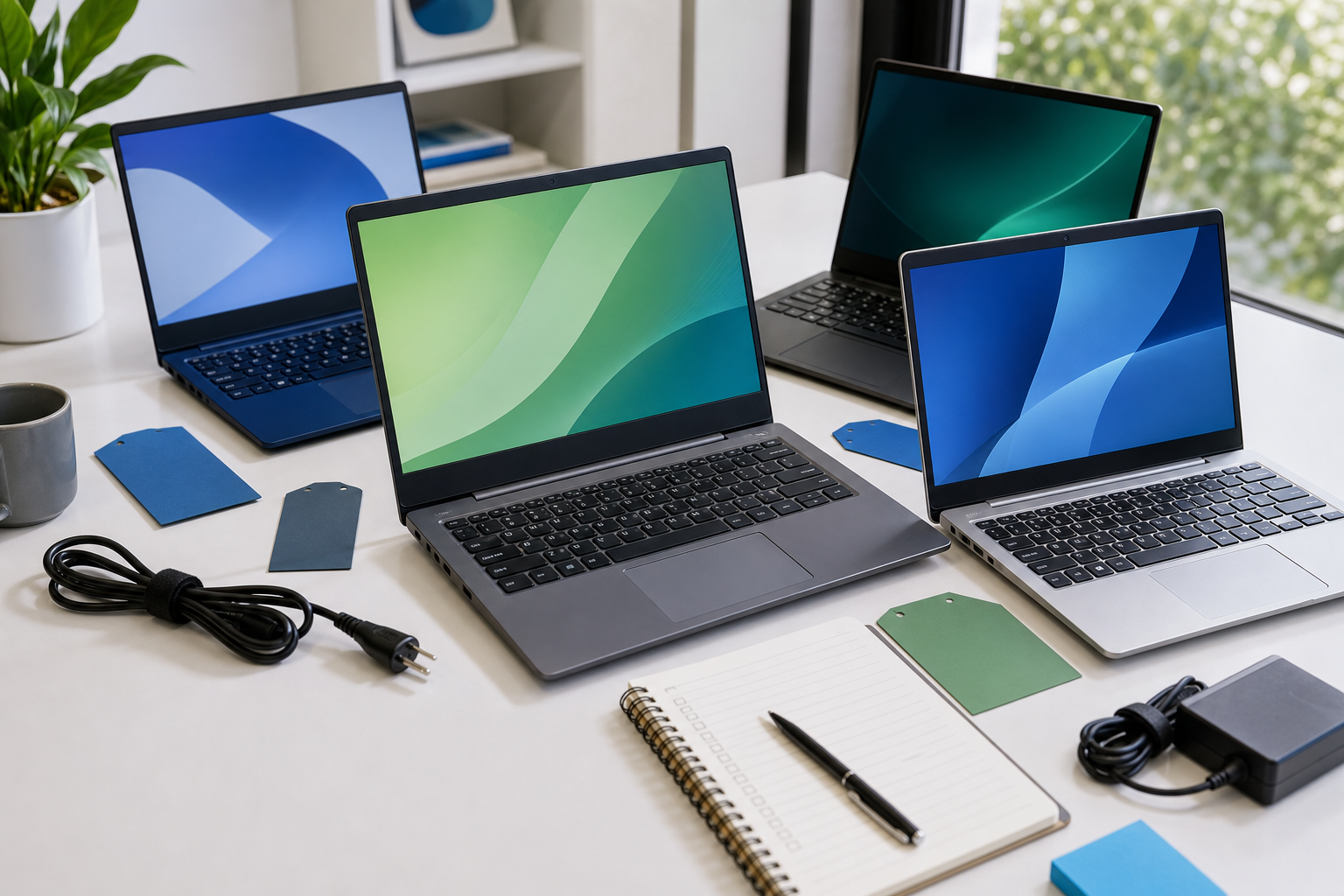
This guide walks you through choosing the perfect Dell laptop for your needs and budget. We break down Dell's different model families, explain technical specifications in simple terms, and show you how to find the best price. Whether you're a student, a professional, a gamer, or just need a reliable machine for daily tasks, this guide will help you make a smart purchase and avoid common pitfalls before you click "buy".
Fast Answer
- Best for most people: Dell Inspiron series for its balance of price and performance.
- Key specs to check: Look for at least a Core i5/Ryzen 5 CPU, 16GB RAM, and a 512GB SSD.
- Top tip for savings: Always check the official Dell Outlet store for certified refurbished deals.
Before You Start
- Define your budget: Decide on a maximum price you are willing to spend. This is the most important first step.
- List your main tasks: Write down what you will primarily use the laptop for (e.g., writing essays, editing photos, playing games, browsing the web).
- Consider portability: Think about how often you will carry the laptop. This will influence the screen size and weight you choose.
Step-by-Step Instructions
Define Your Budget and Main Use Case
The first step in choosing any Dell laptop is to know how much you can spend and what you need it to do. Being honest about your needs prevents you from overspending on features you'll never use or buying a machine that can't keep up.
Start by setting a clear budget. For example, are you looking in the £400-£600 range for basic tasks, the £600-£900 range for solid all-around performance, or £1000+ for premium or gaming models? Once you have a number, match it to your primary activities:
- Everyday Use (£400-£600): This covers web browsing, sending emails, watching Netflix, and using Microsoft Office. An entry-level Dell Inspiron is perfect here.
- Student/Schoolwork (£600-£850): You'll need a laptop that can handle multitasking with multiple browser tabs, Word documents, and video calls. Look for a mid-range Inspiron with slightly better specs.
- Professional/Business (£800+): If you work with large spreadsheets, business software, or need enhanced security, a high-end Inspiron, Vostro, or Latitude is a good choice.
- Creative Work (£1200+): For photo editing, video production, or graphic design, you'll need a powerful processor, lots of RAM, and a dedicated graphics card. The Dell XPS line is designed for this.
- Gaming (£900+): To play modern games, you need a dedicated graphics card and a high-refresh-rate screen. Look at Dell's G-Series for budget gaming or Alienware for top-tier performance.
Understand Dell's Laptop Families
Dell organises its laptops into different "families," each designed for a specific type of user. Knowing the difference is key to finding the right fit without getting lost on their website.
- Inspiron: This is Dell's most popular range, aimed at home users, students, and general productivity. They offer the best balance of features and price. The model numbers give you a clue: 3000 series is entry-level, 5000 is the mid-range sweet spot, and 7000 is the most premium Inspiron.
- XPS (Xtreme Performance System): These are Dell's premium, high-end laptops. They compete with Apple's MacBook Pro and feature stunning displays, powerful internals, and high-quality materials like aluminium and carbon fibre. They are ideal for creative professionals and anyone who wants the best Windows experience.
- Alienware and G-Series: These are Dell's gaming brands. Alienware is the top-of-the-line, no-compromise gaming laptop with bold designs and the most powerful components. The G-Series is a more budget-friendly gaming line that offers great performance for the price, sharing some technology from Alienware but with a more subdued design.
- Latitude: This is Dell's main business line. Latitude laptops are built for durability, reliability, and security. They often feature longer warranties and business-specific management tools. They are workhorses designed to last.
- Vostro: Aimed at small businesses, Vostro laptops sit between the consumer Inspiron and the corporate Latitude lines, offering a good mix of features and affordability.
- Precision: These are mobile workstations for engineers, scientists, and 3D artists who need certified performance for specialised software. They are the most powerful and expensive laptops Dell makes.
Choose the Key Specifications
The "specs" are the internal components that determine how fast and capable your laptop is. Here's a simple breakdown of the most important ones.
- Processor (CPU): This is the brain of the laptop. You'll mainly see Intel (Core i3, i5, i7) and AMD (Ryzen 3, 5, 7). For most people, an Intel Core i5 or AMD Ryzen 5 is the perfect choice, offering great performance without the high cost of an i7/Ryzen 7. Avoid Core i3/Ryzen 3 unless your budget is very tight and your needs are very basic.
- Memory (RAM): RAM helps with multitasking. The more RAM you have, the more apps and browser tabs you can have open at once without slowdowns. 8GB is the absolute minimum today. We strongly recommend 16GB of RAM as the new standard for a smooth, future-proof experience. 32GB is only needed for heavy gaming or professional video editing.
- Storage (SSD): This is where your files, photos, and programs are kept. Always choose a Solid State Drive (SSD) over an old Hard Disk Drive (HDD). SSDs are dramatically faster, making your laptop boot up in seconds and open apps instantly. A 512GB SSD is the ideal size for most users. 256GB will feel cramped very quickly.
- Graphics (GPU): The GPU creates the images on your screen. For everyday tasks, the "integrated" graphics built into the CPU are perfectly fine. However, for gaming or serious creative work like video editing, you need a "dedicated" graphics card from NVIDIA (GeForce RTX series) or AMD (Radeon RX series).
Pick Your Screen Size and Display Quality
You'll be looking at this screen for hours, so it's important to get one that suits you. The main factors are size, resolution, and panel type.
- Size: Laptop screens are measured diagonally. The most common sizes are 13-14 inches (great for portability and travel), 15-16 inches (the all-rounder, good for productivity without being too heavy), and 17 inches (best as a desktop replacement, not very portable).
- Resolution: This determines how sharp the picture is. Full HD (FHD), or 1920 x 1080 pixels, is the standard and looks great on most screen sizes. Higher resolutions like QHD or 4K are available on premium models like the XPS, but they use more battery.
- Panel Technology: Most Dell laptops use IPS LCD panels, which offer good colours and wide viewing angles. Some high-end XPS and Alienware models offer OLED screens, which provide perfect blacks and incredibly vibrant colours, but can be more expensive.
- Other Features: Consider if you want a touchscreen or a 2-in-1 convertible design that lets you fold the screen back into a tablet. For gaming, look for a high refresh rate (120Hz or more) for smoother motion.
Consider the Physical Design and Ports
The internal specs are important, but so is the physical laptop you'll be using every day. Pay attention to the build quality, keyboard, and connectivity options.
Build Quality: Cheaper laptops are usually made of plastic, while premium models like the Dell XPS use materials like aluminium and carbon fibre for a sturdier, more luxurious feel. A metal chassis will generally withstand more wear and tear.
Keyboard and Touchpad: This is highly subjective, but a comfortable keyboard is crucial if you type a lot. Look for reviews that comment on "key travel" (how far the keys press down) and whether the keyboard is backlit for typing in low light. A large, responsive touchpad also makes the laptop much nicer to use without a mouse.
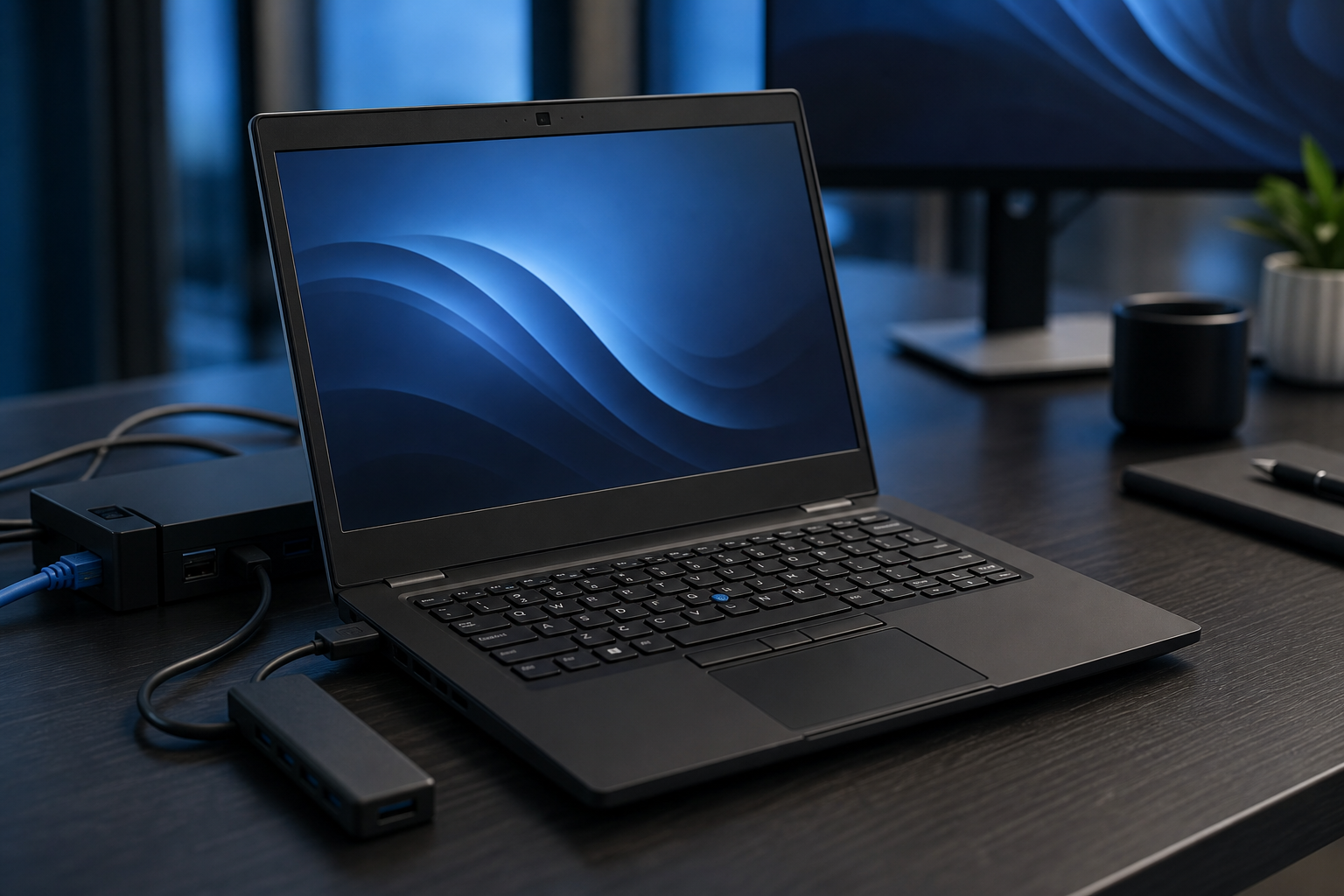
Ports: Check what connection ports the laptop has. Modern thin laptops often have fewer ports. Make sure it has what you need, or be prepared to buy a "dongle" or USB-C hub. Key ports to look for include:
- USB-A: The traditional rectangular USB port for mice, keyboards, and flash drives.
- USB-C / Thunderbolt: The small, oval-shaped port used for charging, fast data transfer, and connecting to modern monitors. Thunderbolt is a faster version of USB-C found on premium laptops.
- HDMI: For connecting to TVs and external monitors.
- SD Card Reader: Very useful for photographers and videographers.
Find the Best Price and Place to Buy
Once you've narrowed down the model and specs, it's time to hunt for the best deal. Don't just buy the first one you see.
- Check Dell's Official Website: This is your baseline. Dell frequently runs sales and promotions, especially around holidays like Black Friday and during "Back to School" season. Look for a "Deals" section on their site.
- Visit the Dell Outlet: This is one of the best-kept secrets for saving money. The Dell Outlet sells certified refurbished, scratch-and-dent, and overstocked products at a significant discount. These items come with the same one-year warranty as a new product, making them a safe and excellent value.
- Compare with Major Retailers: Check prices at retailers like Amazon, Currys, John Lewis, and Very. Sometimes they have exclusive configurations or better sale prices than Dell directly.
- Search for Voucher Codes: Before you complete your purchase, do a quick web search for "Dell voucher code UK" or "Dell discount code". You can often find codes for 5-10% off, free shipping, or other perks.
- Avoid Unnecessary Add-ons: During checkout, you'll be offered extras like extended warranties, premium support packages, and antivirus software. In most cases, the standard one-year warranty is sufficient, and free antivirus solutions like Windows Defender are very effective. Be firm and decline these to keep costs down.
Quick Reference
| Situation | Use this | Why |
|---|---|---|
| I just need a basic laptop for email and web browsing. | Dell Inspiron 3000 series | It's the most affordable option and has enough power for simple tasks. |
| I'm a student who needs a reliable all-rounder. | Dell Inspiron 5000 series with 16GB RAM | This offers the best blend of performance, price, and portability for schoolwork. |
| I do photo/video editing or want a premium laptop. | Dell XPS 15 or 17 | They have powerful components, superior screens, and excellent build quality for creative work. |
| I want to play modern PC games. | Dell G-Series or Alienware | These have the essential dedicated graphics cards and high-refresh screens needed for gaming. |
| I'm buying for a business and need durability. | Dell Latitude | They are built to last, with enhanced security and support options for a work environment. |
Common Problems When You Choose a Dell Laptop
- Feeling Overwhelmed by Choice: Dell has dozens of configurations. If you feel lost, go back to Step 1. Focus only on laptops that fit your budget and primary use case. Ignore everything else.
- Overspending on Unneeded Specs: It's tempting to get the Core i7 processor, but if you only browse the web, you're wasting money. Stick to the recommended specs for your tasks (a Core i5 and 16GB RAM is the sweet spot for most).
- Forgetting About "Hidden" Costs: The price of the laptop isn't the final price. Remember to factor in the cost of software (like Microsoft 365), a good mouse, and a protective sleeve or bag.
- Buying a Laptop That's Not Powerful Enough: Trying to save £100 by getting 8GB of RAM instead of 16GB is a common mistake. A laptop with too little RAM or storage will feel slow and frustrating within a year or two. Investing in the 16GB RAM / 512GB SSD combo provides the best long-term value.
Advanced Tips for Choosing a Dell Laptop
- Look at the Detailed Spec Sheet: On the Dell product page, find the "Tech Specs" link. Look for details like screen brightness (measured in nits; aim for 300 nits or more for comfortable use indoors) and colour gamut coverage (look for 100% sRGB for accurate colours).
- Check for User Upgradability: Some Dell laptops, especially in the Inspiron and G-Series lines, allow you to easily open them up to upgrade the RAM or SSD later. This can be a smart way to save money now and upgrade when you have the budget. XPS models are often harder to upgrade.
- Read Long-Term Reviews: Initial reviews are great, but look for reviews on YouTube or tech sites that discuss the laptop after 6-12 months of use. These often reveal issues with battery life degradation, fan noise, or build quality that aren't apparent at first.
- Understand Dell's Warranty Options: The standard one-year mail-in warranty is included. Dell will offer upgrades like "Premium Support" or "ProSupport" which include on-site service. For most users, this is not necessary, but it can be valuable if the laptop is critical for your work and you can't afford any downtime.
Dell And Laptop FAQ
How long do Dell laptops usually last?
On average, a well-cared-for Dell laptop should last between 3 to 5 years. The battery will be the first component to show its age, typically holding less charge after 2-3 years. The useful lifespan depends on how demanding your software becomes over time.
Is Dell Inspiron or XPS better?
Neither is "better"-they are for different people. XPS is the premium, high-performance line with better materials, screens, and processors. Inspiron is the value-focused line that gives you good performance for everyday tasks at a much lower price. Choose XPS if you have the budget and are a creative professional; choose Inspiron for general home, school, or office use.
Are Dell Outlet laptops reliable?
Yes, they are very reliable. Laptops from the Dell Outlet are typically customer returns or cancelled orders that have been rigorously tested, certified, and repackaged by Dell technicians. They come with the same one-year warranty as a brand-new laptop, making them a safe and fantastic way to get a higher-spec machine for less money.
What is the best Dell laptop for a university student?
A Dell Inspiron 14 or 15 from the 5000 or 7000 series is often the perfect choice for a student. They offer a great balance of performance for research and writing, portability for carrying to lectures, and a price that won't break the bank. Aim for a model with 16GB of RAM and a 512GB SSD.
Should I buy the extended warranty from Dell?
For most people, it is not worth the extra cost. Modern laptops are quite reliable, and most manufacturing defects will appear within the first year, which is covered by the standard warranty. Instead of paying for an extended warranty, it's often better to put that money towards a higher-spec laptop or save it for a potential future repair.
Final Checklist for Choosing Your Dell Laptop
- Your maximum budget is set.
- You have identified your primary use (e.g., school, gaming, work).
- You have chosen the right Dell family (e.g., Inspiron for value, XPS for premium).
- You have selected the core specs: at least a Core i5/Ryzen 5 CPU, 16GB RAM, and a 512GB SSD.
- The screen size and resolution meet your needs for portability and sharpness.
- You have verified the laptop has the ports you need for your accessories.
- You have compared prices on Dell's main site, the Dell Outlet, and at least one other major retailer.
- You have done a quick search for any available voucher codes before checking out.
- You have decided to skip the optional extended warranty and software add-ons.