Finding a great deal on a laptop can feel like navigating a minefield of jargon and confusing discounts. This guide cuts through the noise. We'll walk you through how to identify your needs, understand the specs that matter, and spot a genuinely good offer amongst the many laptops for sale. Following these steps ensures you get the right machine for you at the best possible price, avoiding common traps and buyer's remorse.
Fast Answer
- Define your needs first: Before looking at any deals, write down your main uses (e.g., writing essays, video calls, gaming) and your firm budget.
- Focus on key specs: For most people, the priority should be at least 8GB of RAM and a 256GB Solid-State Drive (SSD) for a smooth, fast experience.
- Verify the model: Always check the specific model number. A single letter difference can mean an older, slower part.
Before You Start
- A clear budget: Decide on the absolute maximum you are willing to spend.
- A list of your primary tasks: Be specific. "University work" could mean writing in Word or complex data modelling. List the software you will use.
- Access to the internet: You will need to browse retailer sites, price comparison tools, and professional reviews.
Step-by-Step Instructions
Define Your Primary Use Case
The single biggest mistake when shopping for laptops for sale is buying a machine that is either too weak or too powerful for your needs. Before you even look at a single discount, take five minutes to write down exactly what you will do with the laptop. This list will be your guide.
Group your tasks into a main category:
- Light Use: This includes browsing websites, sending emails, watching videos on YouTube or Netflix, and using simple applications like Microsoft Word or Google Docs. You don't need a powerhouse for this.
- Student / Office Work: This involves everything in "Light Use" plus multitasking with many browser tabs, using spreadsheets, creating presentations, and frequent video calls. A good keyboard and portability are often key here.
- Creative / Technical Use: This is for photo editing, video editing, music production, programming, or running complex scientific software. These tasks require significant processing power and memory.
- Gaming: This is the most demanding category, requiring a powerful processor, lots of RAM, and, most importantly, a dedicated graphics card.
Set a Realistic Budget
Your budget will determine which category of laptops you can realistically shop for. Having a firm price range in mind prevents you from overspending on a tempting but unnecessary "deal." A sale is only a good deal if it fits your finances.
Here are some general price brackets in the UK market:
- Under £350: This is entry-level territory. You'll mostly find Chromebooks or very basic Windows laptops. They are fine for light use but will struggle with heavy multitasking.
- £350 - £600: This is the sweet spot for most people, covering students and general office work. You can find well-rounded machines with good performance for everyday tasks.
- £600 - £1,000: In this range, you'll find more premium, lightweight laptops (often called Ultrabooks), entry-level gaming laptops, and machines with better screens and build quality.
- Over £1,000: This is the territory of high-performance gaming laptops, professional creative workstations like MacBook Pros, and top-of-the-line business machines.
The goal of sale shopping is to get the best possible laptop within your chosen bracket, or perhaps to snag a model from the bracket above at a discount.
Understand the Key Specifications
Laptop specifications can look like a foreign language, but you only need to understand a few key parts to make an informed decision. Think of it like buying a car; you don't need to be a mechanic, but you should know the difference between petrol and diesel.
- Processor (CPU): This is the laptop's brain. The main brands are Intel (Core i3, i5, i7, i9) and AMD (Ryzen 3, 5, 7, 9). For most users, a modern Intel Core i5 or AMD Ryzen 5 is perfect. An i3/Ryzen 3 is fine for light use, while an i7/Ryzen 7 is for more demanding creative or gaming tasks. Also look at Apple's M-series chips (M1, M2, M3), which are very powerful and efficient.
- Memory (RAM): This is the laptop's short-term memory, used for multitasking. 8GB is the minimum you should accept for a smooth Windows experience. 16GB is better if you have many tabs open or use demanding apps. 4GB is only acceptable for Chromebooks.
- Storage (SSD): This is where your files and programs are stored. Insist on a Solid-State Drive (SSD). They are dramatically faster than old Hard Disk Drives (HDDs). A 256GB SSD is a good starting point. If you store lots of photos or games, look for 512GB or more.
- Screen: Look for a resolution of 1920x1080, also known as "Full HD" or "1080p." This provides a sharp, clear image. Anything less will look fuzzy on a modern laptop. Screen brightness (measured in "nits") is also important; 300 nits is a good level for comfortable indoor use.
Identify the Best Times to Buy
While you can find laptops for sale year-round, your chances of getting a deep discount are much higher during specific sales periods. If you can wait for one of these, you'll likely save a significant amount of money.
- Black Friday and Cyber Monday: This period in late November is the biggest sales event of the year, with deep discounts across all major retailers.
- Back to School: From late July to early September, retailers offer deals specifically aimed at students. These often include bundled software or accessories.
- Boxing Day and January Sales: A great time to find deals as retailers clear out stock from the previous year to make way for new models.
- Amazon Prime Day: Usually held in July, this is a major sales event exclusively for Amazon Prime members, often featuring aggressive pricing on electronics.
- New Model Releases: When a new generation of processors or a new laptop model is announced (e.g., Apple's WWDC in June or tech shows in Jan/Sept), the previous year's models often see significant price drops.
Research and Compare Prices
Once you have a specific model or a few options in mind, it's time to hunt for the best price. Don't assume the first "50% off" banner you see is the best deal.
Check a variety of sources:
- Major Retailers: Look at websites for Currys, John Lewis, Argos, and Amazon UK. They are often competitive, and some, like John Lewis, may offer extended warranties as standard.
- Manufacturer Websites: Go directly to Dell, HP, Lenovo, and Apple's UK sites. They often have their own sales, student discounts, or outlet stores for refurbished products.
- Supermarkets: Larger supermarkets sometimes carry laptops and can have surprisingly good clearance deals on older models.
- Refurbished Outlets: Officially refurbished laptops from manufacturers like Apple and Dell are a fantastic way to save money. They are professionally inspected, come with a full warranty, and are often indistinguishable from new.
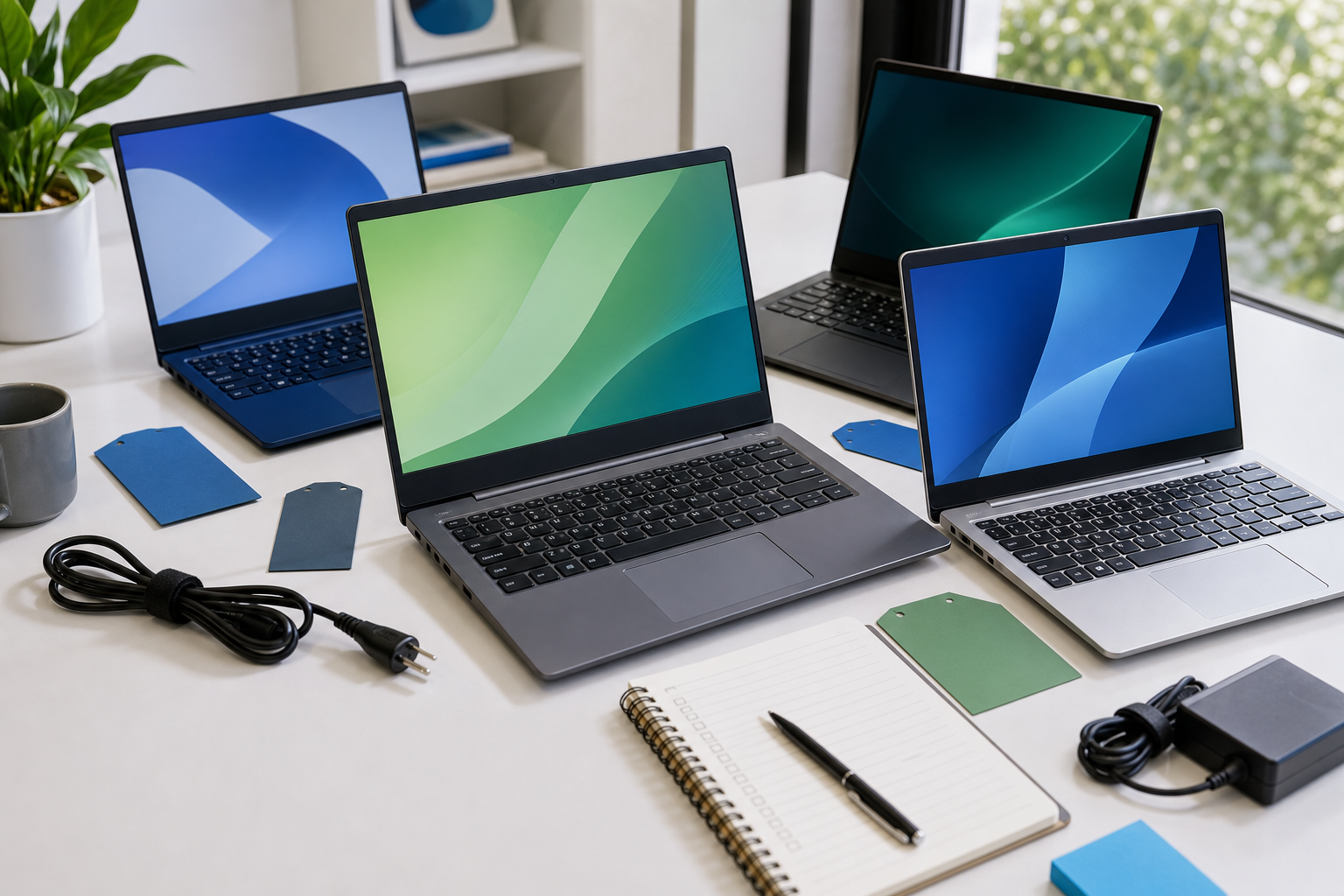
Keep a simple list or spreadsheet with the laptop model, the price at each retailer, the warranty period, and any delivery costs. This makes it easy to spot the true best offer.
Read and Watch Independent Reviews
A spec sheet only tells you half the story. A laptop might look perfect on paper but have a terrible keyboard, a dim screen, or a fan that sounds like a jet engine. This is where independent reviews from professional tech journalists and reputable YouTube channels are invaluable.
When watching or reading reviews, pay close attention to:
- Keyboard and Trackpad: Is the keyboard comfortable for long typing sessions? Is the trackpad responsive and accurate?
- Build Quality: Does the laptop feel sturdy or flimsy? Are the hinges on the screen strong?
- Real-World Battery Life: Don't trust the manufacturer's claim. Reviewers perform standardised tests that give a much more realistic picture of how long the battery will last.
- Performance Benchmarks: See how the laptop compares to its competitors in performance tests.
- Noise and Heat: Does the laptop get uncomfortably hot on your lap or do the fans get distractingly loud under load?
Reading user reviews on retailer sites can also be helpful, but be critical. Look for patterns of complaints about a specific issue (like Wi-Fi connectivity dropping) rather than single, emotional reviews.
Check the Warranty and Return Policy
This is a crucial final check, especially when buying a sale item. A great price is worthless if you have no support when something goes wrong.
- Warranty: A one-year manufacturer's warranty is the standard. Be wary of any sale item that comes with less than this. Some retailers, like John Lewis, famously offer a two-year guarantee on electronics, which can be a major deciding factor.
- Return Policy: If you're buying online, UK law (Consumer Contracts Regulations) gives you the right to return the item within 14 days for any reason. However, check the retailer's specific policy. How easy is the process? Do you have to pay for return postage?
- Consumer Rights: Remember the Consumer Rights Act 2015. Goods must be of satisfactory quality, fit for purpose, and as described. This gives you protection beyond the initial return window if the laptop develops a fault that was clearly present at the time of purchase.
Knowing you have a solid warranty and a fair return policy provides peace of mind and protects your investment.
Quick Reference
| Situation | Focus on these Specs | Why |
|---|---|---|
| I just browse the web, use Microsoft Office, and watch Netflix. | 8GB RAM, 256GB SSD, Full HD (1080p) screen. | These specs guarantee a fast and pleasant experience for everyday tasks without overpaying for power you won't use. |
| I'm a student who needs to carry it to class all day. | Weight under 1.5kg, 8+ hours of claimed battery life. | For on-the-go use, portability and all-day battery life are more important than maximum processing power. |
| I want to play modern games or edit 4K videos. | 16GB+ RAM, a dedicated graphics card (e.g., NVIDIA RTX series), and a powerful CPU (i7/Ryzen 7 or better). | These demanding tasks require specialised, powerful components to run smoothly and avoid frustration. |
| I'm on a very tight budget (under £350). | Consider a Chromebook. Check for at least 4GB RAM and 64GB of storage. | ChromeOS is less demanding than Windows, so it runs well on cheaper hardware, making it a great value choice for web-based tasks. |
Common Problems When You Shop for Laptops For Sale
- The "deal" is on an ancient model. Some retailers use sales to clear out very old stock. The processor might be five or six years old, making the laptop slow from day one. The Fix: Always check the processor's model number. For Intel, the number after the dash indicates the generation (e.g., i5-1240P is much newer than i5-7200U). Aim for 11th generation or newer.
- The discount isn't real. A common tactic is to raise the "original" price for a few weeks before a sale to make the discount look bigger than it is. The Fix: Use a price history tracker or, if you can, start monitoring prices a few weeks before you plan to buy. This gives you a true baseline.
- The specs are unbalanced. You might see a laptop with a powerful Core i7 processor, but it's paired with only 8GB of RAM and a slow, old-fashioned Hard Disk Drive (HDD). The slow components will bottleneck the fast one, and the machine will feel sluggish. The Fix: Look for a balanced system. An SSD is the most important component for overall speed. A mid-range i5 with an SSD will feel much faster than an i7 with an HDD.
- Buying more laptop than you need. A 40% discount on a £1,500 gaming laptop is tempting, but if you only need it for email and browsing, you've still overspent. You'll be stuck with a machine that is likely heavier, bulkier, and has worse battery life than a cheaper, more suitable model. The Fix: Stick to the needs you identified in Step 1. Don't let a huge percentage discount distract you from your actual requirements.
Advanced Tips for Laptops For Sale
- Look at last year's premium models. A high-end business laptop or MacBook from last year is often better built, has a superior screen and keyboard, and will perform better than a brand-new mid-range consumer laptop at the same sale price.
- Check for upgradability. Some laptops, especially budget and mid-range ones, have soldered RAM and storage, meaning they can't be upgraded. Others have accessible slots. Check reviews to see if you can add more RAM or a larger SSD later on. This allows you to buy a cheaper configuration now and upgrade it in a couple of years for a fraction of the cost of a new machine.
- Stack your savings. Don't just stop at the sale price. Check for student discount portals (like UNiDAYS), workplace purchase programs, or cashback websites (like TopCashback or Quidco). Applying one of these on top of a sale price can lead to substantial extra savings.
- Consider business-class outlets. Dell and Lenovo have outlet stores that sell refurbished business-grade laptops (Latitude and ThinkPad series). These are built to a much higher standard of durability than consumer models and can be excellent value for money.
Laptops For Sale FAQ
Is it safe to buy a refurbished laptop?
Yes, provided you buy from a reputable source. "Manufacturer refurbished" (from Apple, Dell, HP etc.) is the gold standard. These are machines that have been returned, professionally tested, repaired with genuine parts, and re-sold with a full warranty. Major retailers also have reliable refurbishment programs. Be much more cautious with "seller refurbished" items on marketplaces like eBay from private sellers, as the quality and warranty can vary wildly.
What's the real difference between a Chromebook and a Windows laptop?
The main difference is the operating system. Windows is a traditional OS that runs software you install on the machine. ChromeOS, on a Chromebook, is essentially just the Chrome web browser. It's designed for online tasks, runs web apps and Android apps, and is very simple and secure. Chromebooks are often cheaper and have great battery life but can't run specialised software like Adobe Photoshop or many PC games.
How much RAM do I really need in 2024?
For a Windows laptop, 8GB is the practical minimum for a smooth experience. If you try to save money with a 4GB model, you will likely regret it as it will stutter and lag when you have more than a few browser tabs open. 16GB is becoming the new standard and is recommended if you are a heavy multitasker, a programmer, or a creative professional. For Chromebooks, 4GB is acceptable, but 8GB is still noticeably better.
Is an extended warranty worth the money?
For most people, no. Laptops are most likely to fail either in the first few months (covered by the standard warranty and your consumer rights) or after many years of use when they are nearing obsolescence anyway. The cost of an extended warranty is often high, and the money is usually better spent on buying a slightly better, more reliable model in the first place. An exception could be for a very expensive, high-performance gaming laptop where a single component failure could cost hundreds of pounds to fix.
Final Checklist for Laptops For Sale
- My main use for the laptop is clearly defined (e.g., work, school, browsing, gaming).
- I have a firm maximum budget and am sticking to it.
- I am aiming for the minimum recommended specs: 8GB RAM and a 256GB SSD.
- I have checked the exact model number and processor generation to ensure it's a recent device.
- I have compared the price for my chosen model across at least three different retailers.
- I have read or watched at least two independent, professional reviews of the laptop.
- I have confirmed the warranty period (at least one year) and understand the retailer's return policy.
- I am confident this is a genuine discount, not just a reduction from an inflated "original" price.